

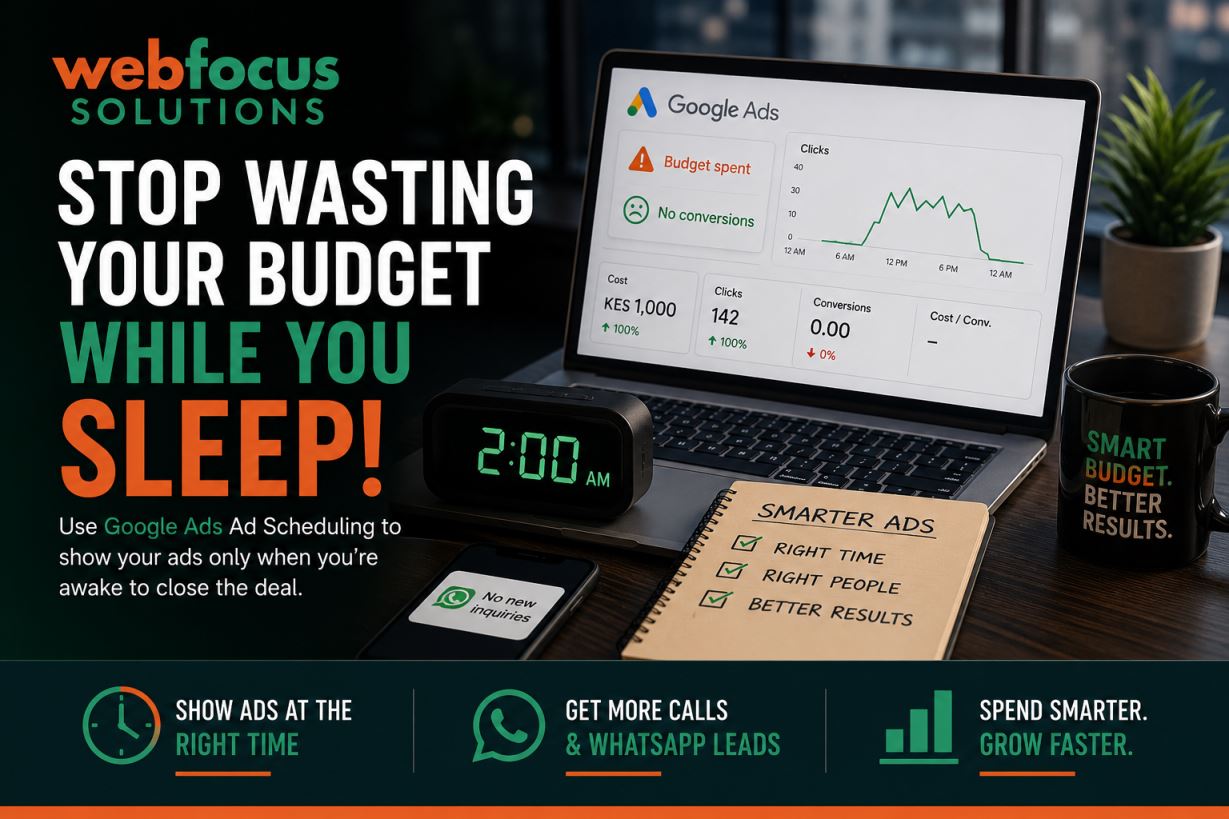
Imagine waking up at 2:00 AM, opening your Google Ads dashboard, and seeing that your hard-earned marketing budget was spent while you were fast asleep. Even worse, the clicks didn't bring in a single phone call or WhatsApp inquiry because your business was closed!
For many Kenyan small business owners (SMEs) managing their own marketing, this is a common and expensive mistake. When you launch a new campaign, Google automatically sets your ads to run "All Day" (24/7).
If you run a service business like a car hire in Nairobi, a plumbing service in Westlands, or an executive salon, paying for clicks at midnight is often a waste of money. You need your ads to appear when you are awake to answer the phone and close the deal.
Fortunately, there is an easy fix: Ad Scheduling (also known as dayparting). Here is how to take control of your budget and make every single shilling count.
Why Ad Scheduling Matters for Kenyan Small Businesses
When you are testing the waters with a starter budget, say, KES 500 to KES 1,000 per day, stretching your money across 24 hours dilutes your impact. Narrowing your focus gives you two massive advantages:
- Align with Your Business Hours: If your business relies on instant communication (phone calls or WhatsApp leads), you should only show ads when you or your team are available to respond. A lead that has to wait 8 hours for a reply is usually a lost lead.
- Dominate High-Conversion Peak Times: Even if you run an e-commerce shop that accepts orders 24/7, data shows that Kenyans shop more during specific times—like during the lunch-hour rush (1:00 PM to 2:00 PM) or early evenings when commuting home.
The Strategic Edge: Capitalizing on High-Velocity Windows
From a digital marketing perspective, the ability to isolate and capitalize on peak performance windows is one of the most powerful tactical advantages a brand can leverage. Rather than a passive, passive-aggressive "always-on" approach, dayparting allows you to execute highly targeted ad delivery precisely when consumer intent and purchasing power reach their historical peak.
By shifting your resources away from low-traffic troughs and concentrating liquidity into high-velocity conversion windows, you achieve a highly coveted operational efficiency: maximizing Share of Voice (SOV) against competitors exactly when they are most likely to convert. In professional terms, this drastically improves your ROAS (Return on Ad Spend) while compressing your customer acquisition costs (CAC). It is a calculated, precision-engineered method of marketing that lets small budgets outmaneuver enterprise competitors.
Step-by-Step: How to Set Up Your Google Ads Schedule
Setting up a custom schedule takes less than five minutes. Follow these simple steps to protect your budget:
- Navigate to the Ad Schedule Menu (Takes 1 min)
Log into your Google Ads account. In the left-hand navigation menu, click on Campaigns, select the specific campaign you want to adjust, and click on Ad schedule. - Click the Edit Pencil (Takes 30 seconds)
You will see a blue chart showing your current active hours (usually a solid block representing 24/7). Click the Pencil icon (Edit) to change it. - Choose Your Days and Time Windows (Takes 2 min)
Select the specific days of the week you want your ads to run. Drop down the time menus to set your start and end times. For example, if you operate Monday to Friday, set it to 8:00 AM to 5:00 PM. - Save and Confirm (Takes 30 seconds)
Click Save. Review the updated visual chart to ensure your ads are only active during the exact windows you selected.
Pro Tip: Let the Data Tell You When to Spend
If you aren't sure when your peak hours are, don't guess. Let your ads run 24/7 for the first two weeks to gather real data.
Once you have some traffic, go back to your Ad Schedule tab and click on the Day & Hour sub-tab. Google will show you a breakdown of exactly what days and hours yield the highest click-through rates (CTR) and the lowest cost-per-click (CPC).
| Time Segment | Performance Trend | Recommended Action |
|---|---|---|
| Mon - Fri (8 AM - 5 PM) | High phone call volume, great conversion rates. | Keep active / Increase bids slightly. |
| Daily (11 PM - 5 AM) | High cost, lots of "accidental clicks," zero inquiries. | Remove completely from your schedule. |
| Saturdays (9 AM - 1 PM) | Good traffic for retail and local shopping. | Keep active for consumer-facing businesses. |
By trimming away the low-performing hours, you redirect your daily budget entirely into the time slots that actually make you money. Start small, review your dashboard once a week, and watch your cost-per-lead drop!