

Here’s How ChatGPT to Turn It Into a Lead Machine
You type a question into ChatGPT. It gives you an answer. You copy it, use it, close the tab.
That’s the entire relationship most business owners have with the most useful piece of software they’ve ever installed. It’s also why it isn’t making them a single shilling.
Here’s the direct answer, before anything else: using ChatGPT for business isn’t about writing cleverer questions. It’s about giving it a permanent job … a specific role in your sales process that runs the same way every time, without you retyping context on Monday morning. Most people never get past asking it things. That gap is the whole opportunity.
Why ChatGPT Feels Like a Slower Google
Google was built to answer a question and let go. You ask, you get ten blue links, you leave. ChatGPT can do that too, which is exactly the problem. If you only ever open it, type a one-off question, and read the reply, you’re using a system with memory and instructions like it has neither.
Every fresh chat starts from zero. It doesn’t know your price list. It doesn’t know your last five customer objections. It doesn’t know that “the Diani job” means something specific to your business. You’ve handed it amnesia and then blamed it for forgetting.
That’s not a ChatGPT problem. That’s a setup problem.
The Query-to-System Ladder
Here’s a framework worth stealing: every business sits on one of three rungs with ChatGPT, and only one rung generates leads.
Rung 1: The One-Off Question. You ask something, you get an answer, the context disappears when the chat ends. This is 90% of business use. It’s where almost everyone starts, and where almost everyone stays.
Rung 2: The Prompt Library. You save your best prompts in a notes app and reuse them. This is better, but you’re still the one copying, pasting, and feeding it context by hand every single time. It scales your effort, not your output.
Rung 3: The Configured Assistant. ChatGPT is set up once, with your business baked in, and it does the same job on autopilot every time a lead shows up. This is the only rung where ChatGPT starts working for you instead of with you.
Almost every business owner reading this is on Rung 1. That’s not a criticism, nobody shows you how to climb to Rung 3. It’s not covered in a five-minute YouTube tutorial, and it doesn’t happen by accident.
What Rung 3 Actually Looks Like
ChatGPT has three tools built for exactly this, and most users have never opened any of them.
Custom Instructions live in your account settings and apply to every single chat automatically. Tell it once who you are, what your business sells, and how you want it to sound, and it stops needing to be told twice.
Projects are persistent workspaces. You create one for “Customer Inquiries” or “Lead Follow-Up,” upload your price list, your FAQ, your past objection-handling, and every conversation inside that project can draw on all of it, without you re-explaining a thing.
Custom GPTs go one step further: a standalone assistant built once, with your business context and rules locked in, that you or your team can open and use like an app. No re-briefing required.
None of these are hidden or expensive. They’re sitting inside the free and Plus versions of ChatGPT that most people already pay for and never touch.
What This Looks Like for a Real Business
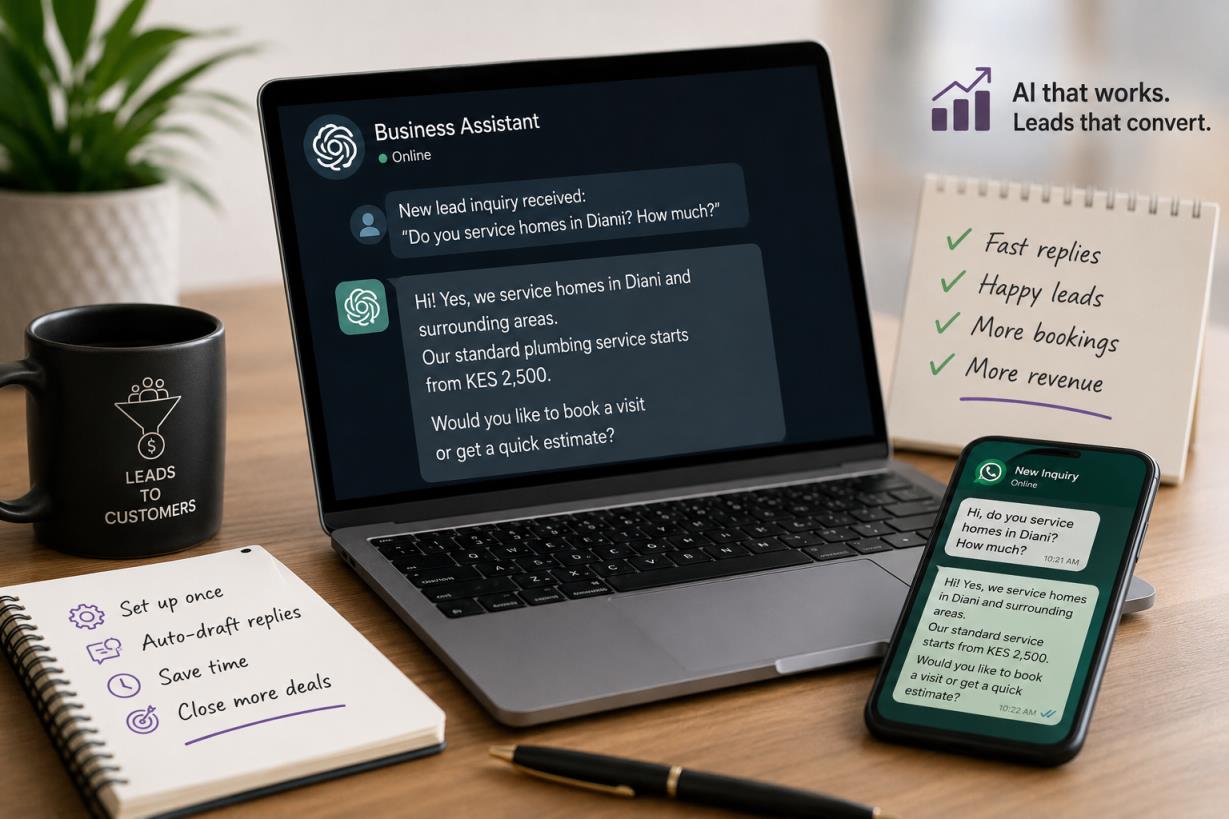
Say you run a service business in Nairobi, like plumbing, events, consulting, doesn’t matter. A lead messages your WhatsApp Business or fills your contact form. Right now, someone on your team reads it, thinks about it, and types a reply. Maybe in ten minutes. Maybe tomorrow.
With a Rung 3 setup, the first draft of that reply is already written, using your actual price ranges, your actual availability language, your actual tone, the moment the inquiry lands. Your team edits and sends in under a minute instead of drafting from scratch. The lead who was comparing you against three competitors gets a fast, specific answer instead of a “thanks, we’ll get back to you.”
Speed alone changes conversion. Slow replies lose deals to whoever answers first — that’s true with or without AI. This just makes fast replies possible without adding headcount.
What ChatGPT Still Can’t Do For You
Fair warning, because the hype around this gets ahead of itself: ChatGPT doesn’t automatically know when a new lead has messaged you. It doesn’t push replies to WhatsApp on its own. Somebody still has to bring the inquiry to it, or connect it to the tools that do.
It will also confidently give a wrong price if your project files go stale. A Custom GPT built on last year’s rate card will hand a client last year’s rate card. The setup is not “install once and forget”, it needs a monthly ten-minute update, the same way your website needs the occasional edit.
And it doesn’t close the deal. It drafts the reply, qualifies the basic details, saves the first ten minutes. Your team still has the conversation that turns a warm lead into a signed client. Anyone selling you “fully automated sales” without that caveat is selling you a fantasy.
The Setup Nobody Talks About
This is the part almost every guide skips, because it’s the part that takes actual work: writing instructions that capture your business accurately, structuring a project so it doesn’t produce generic answers, deciding what data it should and shouldn’t have access to, and testing it against real customer questions before you trust it with a real lead.
That’s two or three focused hours the first time, done properly. Most business owners in Kenya don’t have those hours free between running the actual business, and the guides that exist online are written for a US freelancer, not a Kenyan service business juggling WhatsApp, walk-ins, and a sales team that’s stretched thin.
That’s the gap. Somebody has to actually sit down, build the Custom GPT, write the instructions, load the files, and test it against your real customer questions.
If you want that done for your business instead of figuring it out yourself, that’s a phone call, not a Google search.