
How to Use Your Data to Improve Google Ads Performance
Most small and medium-sized businesses approach Google Ads the same way: they choose keywords, write ads, and wait for results.
But in today’s advertising landscape, that approach is no longer enough.
Google Ads has evolved. It now relies heavily on audience signals. Data that helps the system understand who is most likely to convert, not just what they are searching for.
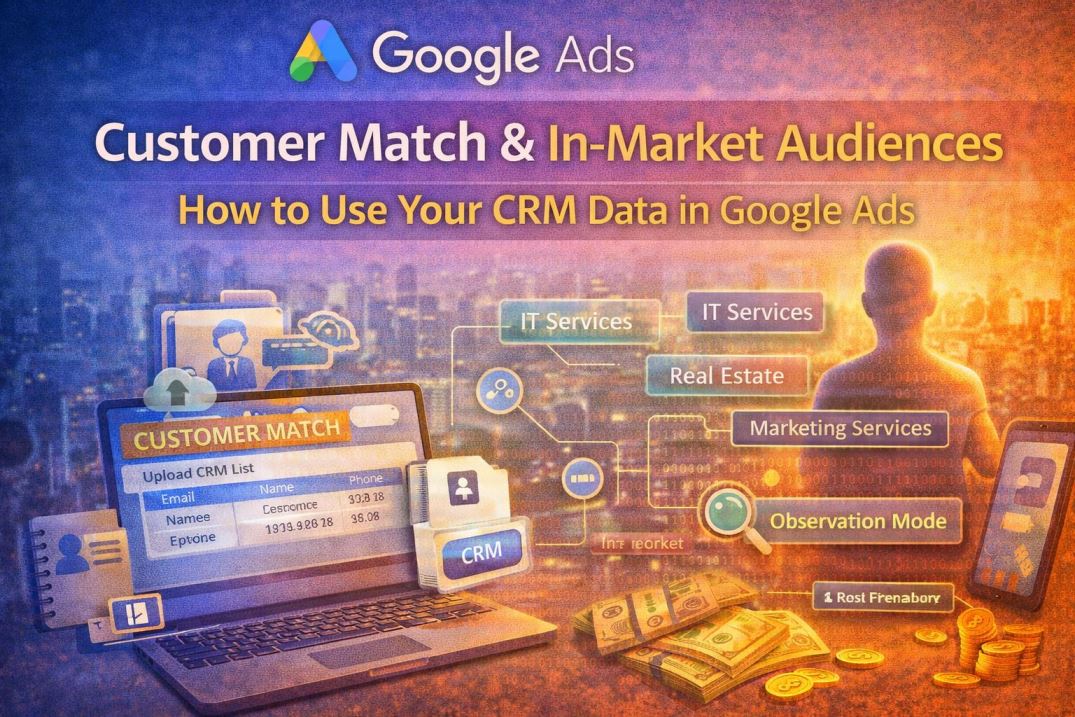
Two of the most powerful tools available to advertisers today are Customer Match and in-market audiences. When used correctly, especially in observation mode, they can provide valuable insights and significantly improve campaign performance.
In this guide, we’ll break down how these tools work, how to set them up, and how to use them strategically without overcomplicating your campaigns.
Why Audience Targeting Matters More Than Ever
Keywords tell Google what someone is searching for.
But they don’t tell Google:
- Whether that person can afford your service
- Whether they’ve interacted with your business before
- Whether they are actively ready to buy
That’s where audience targeting comes in.
By layering audience signals, you help Google answer a more important question:
Is this person likely to become a customer?
This shift from traffic to intent is what separates average campaigns from high-performing ones.
What Is Customer Match?
Customer Match allows you to upload your own customer data into Google Ads and use it for targeting.
This data typically comes from your CRM or customer database and may include:
- Email addresses
- Phone numbers
- First and last names (optional but useful)
Google securely matches this data with user accounts to create a usable audience.
Why Customer Match Is a Game-Changer for SMEs
Your existing customers are your most valuable asset.
They have:
- Already trusted your business
- Already shown interest
- Already converted
Customer Match allows you to:
- Re-target past clients
- Upsell or cross-sell services
- Exclude existing customers from acquisition campaigns
- Build similar audiences to find new prospects
This is known as first-party data marketing, and it is becoming increasingly important as privacy restrictions reduce reliance on third-party tracking.
What Are In-Market Audiences?
In-market audiences are groups of users that Google identifies as actively researching or considering a specific product or service.
For example:
- Someone comparing safari packages → Travel in-market
- Someone browsing properties → Real estate in-market
- Someone searching agencies → Marketing services in-market
Google determines this based on:
- Recent search activity
- Websites visited
- Content engagement
These users are not just browsing. They are getting closer and closer to making a decision.
Customer Match vs In-Market Audiences
Understanding the difference helps you use both effectively:
- Customer Match = Your data (high control, proven intent)
- In-Market Audiences = Google’s data (predictive, scalable)
The most effective strategy is to combine both.
How to Upload Your CRM List (Step-by-Step)
Setting up Customer Match is straightforward.
Step 1: Prepare Your Data
Create a clean CSV file with:
- Email (required)
- Phone number (optional)
- Name (optional)
- Country (recommended)
Ensure:
- No duplicates
- Correct formatting
- Updated data
Step 2: Upload to Google Ads
- Go to Tools & Settings
- Click Audience Manager
- Select Your Data Segments
- Click + New Segment
- Choose Customer List
Step 3: Upload and Map Fields
- Upload your CSV file
- Match the columns correctly
- Name your audience clearly (e.g., “Past Clients – Nairobi”)
Step 4: Allow Time for Processing
Google will:
- Match users to accounts
- Build your audience list
Match rates depend on data quality.
What Is Observation Mode (And Why You Should Use It)
When adding audiences to your campaigns, you have two options:
Targeting Mode
Your ads will show only to that audience.
Observation Mode (Recommended)
Your ads will show to everyone, but you can analyze performance by audience.
Why Observation Mode Is So Powerful
Observation mode allows you to gather insights without limiting your reach.
You can answer questions like:
- Do past customers convert better?
- Are in-market users more profitable?
- Which audience has the lowest cost per lead?
Instead of guessing, you make decisions based on real data.
How to Add Audiences in Observation Mode
Go to your campaign or ad group
Click Audiences
Select Edit Audience Segments
Add:
- Your Customer Match list
- Relevant in-market audiences
- Choose Observation (not targeting)
How to Use the Insights You Gather
After collecting enough data, review audience performance.
Focus on:
- Conversion rate
- Cost per conversion
- Click-through rate
You may discover patterns such as:
- Past customers convert faster
- In-market users bring higher-quality leads
- Certain audiences underperform
- Turning Insights Into Action
Once you identify high-performing audiences, you can:
1. Adjust Bids
Increase bids for audiences that convert better.
2. Create Dedicated Campaigns
Build campaigns specifically targeting top-performing audiences.
3. Personalize Messaging
Tailor ad copy based on audience type.
Example:
Returning customers → “Welcome back—continue your journey”
New prospects → “Trusted by 100+ businesses”
Common Mistakes to Avoid
- Using targeting mode too early
- Uploading outdated or poor-quality CRM data
- Ignoring audience performance reports
- Overcomplicating campaign structure
Start simple. Learn first. Then optimize.
Why This Matters in 2026
Google Ads is increasingly driven by:
- Automation
- Machine learning
- First-party data
- Audience signals
As third-party tracking declines, your own data becomes more valuable.
Businesses that leverage Customer Match and audience insights gain:
- Better targeting precision
- Lower cost per acquisition
- Stronger long-term performance
Conclusion
Google Ads is no longer just about keywords.
It’s about understanding who your customer is and when they are ready to act.
- Customer Match gives you control over your data.
- In-market audiences give you access to intent.
- Observation mode gives you insight without risk.
When used together, these tools transform your campaigns from guesswork into strategy.
Before increasing your budget, ask yourself:
Are you using your data—or leaving it unused?
